
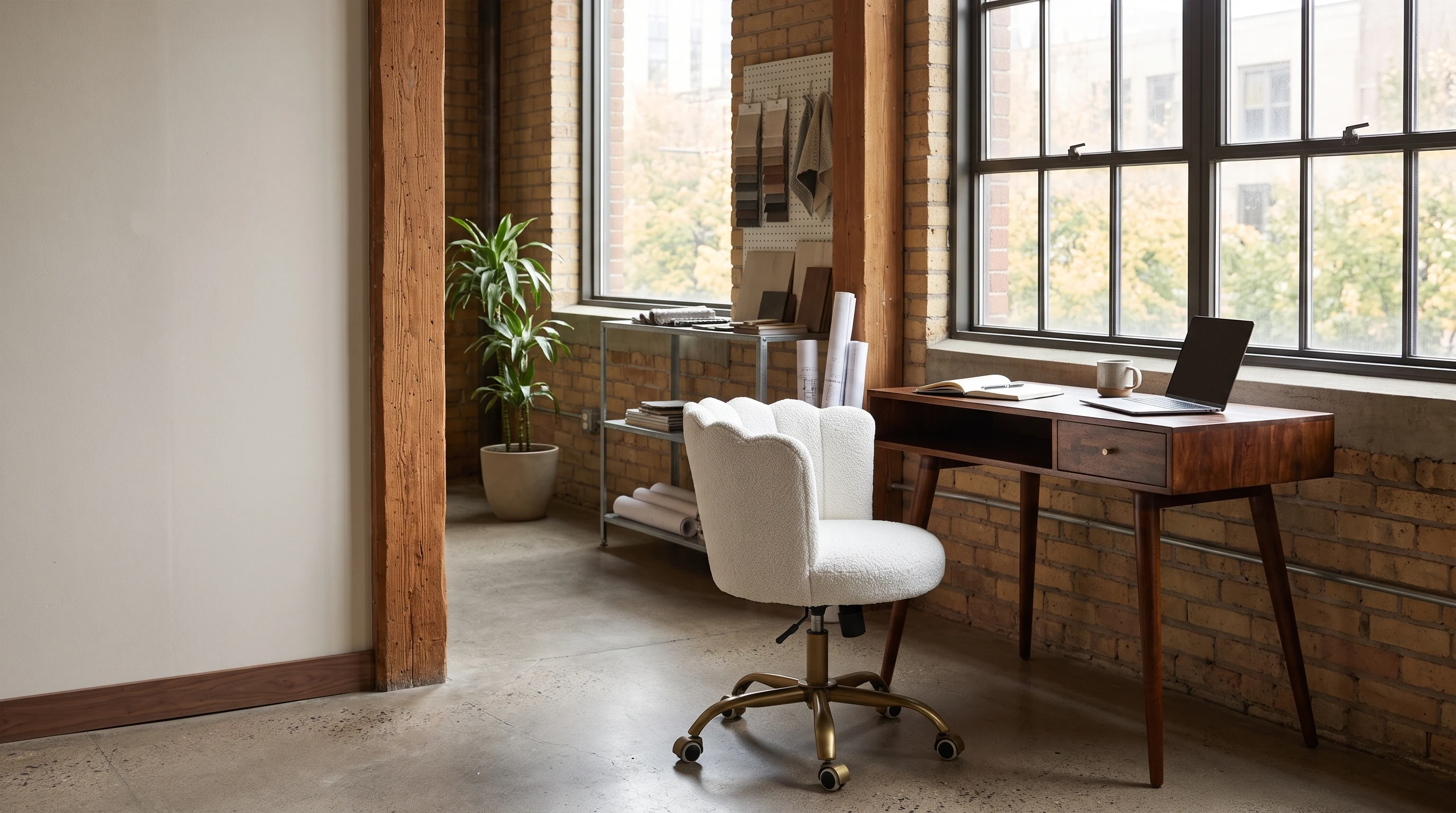
Key Takeaway
guide to ergonomic workspace layout focusing on enhancing user comfort and productivity.
Guide to Ergonomic Workspace Layout
Creating an ergonomic workspace layout is essential for enhancing comfort and productivity. An effective design minimizes strain on the body while promoting efficiency in work tasks. This guide outlines key principles, strategies, and elements that contribute to a well-structured ergonomic environment.
Understanding Ergonomic Design Principles
Ergonomic design focuses on optimizing the interaction between people and their work environments. Key elements include adjustable furniture, proper monitor placement, and adequate lighting. Research indicates that workplaces designed with ergonomics in mind can reduce musculoskeletal disorders by 60% (Source: OSHA). This significant reduction highlights the importance of investing in ergonomic solutions.
An ergonomic workspace should accommodate individual preferences while adhering to general guidelines. For instance, desk height should allow elbows to remain at a 90-degree angle when typing. Moreover, chair support features must align with the natural curve of the spine to ensure long-term comfort during extended periods of sitting.
Optimizing Office Furniture Solutions
Selecting appropriate office furniture is crucial for achieving an ergonomic setup. Adjustable desks enable users to alternate between sitting and standing positions throughout the day, which can improve circulation and reduce fatigue. Studies show that employees who use sit-stand desks report increased energy levels and overall job satisfaction (Source: Human Factors and Ergonomics Society).
When evaluating chairs for ergonomics, consider factors such as lumbar support, seat depth adjustment, and material quality. A supportive chair not only enhances comfort but also encourages good posture by preventing slouching or leaning forward excessively during work hours.
Implementing Effective Workspace Layout Strategies
The arrangement of your workspace significantly impacts productivity levels. To create an efficient layout, prioritize accessibility to frequently used items such as printers or filing cabinets within arm’s reach. This reduces unnecessary movement that can interrupt workflow.
Additionally, monitor placement plays a vital role in reducing eye strain and neck discomfort. The top of the screen should be at or slightly below eye level when seated comfortably; this positioning helps maintain a neutral neck position while working (Source: ANSI). Furthermore, ensuring adequate lighting—both natural and artificial—can minimize glare on screens while enhancing visibility across tasks.
Recommendations for Enhancing Employee Wellness
To foster employee wellness through effective workspace design:
- Conduct Regular Assessments: Periodically evaluate workplace setups using feedback from employees regarding comfort levels.
- Invest in Training: Provide training sessions focused on proper ergonomics practices.
- Encourage Breaks: Promote regular breaks away from desks to stretch or walk around; studies suggest short breaks enhance cognitive function by up to 20% (Source: BIFMA).
- Utilize Technology: Consider software tools that remind employees to adjust their posture or take breaks periodically throughout their workday.
By implementing these recommendations thoughtfully into your workplace strategy, you can cultivate an environment conducive not only to productivity but also employee health.
Relevant Trade Services
Frequently Asked Questions
Related Guides in Ergonomic Designs
Relevant Trade Products
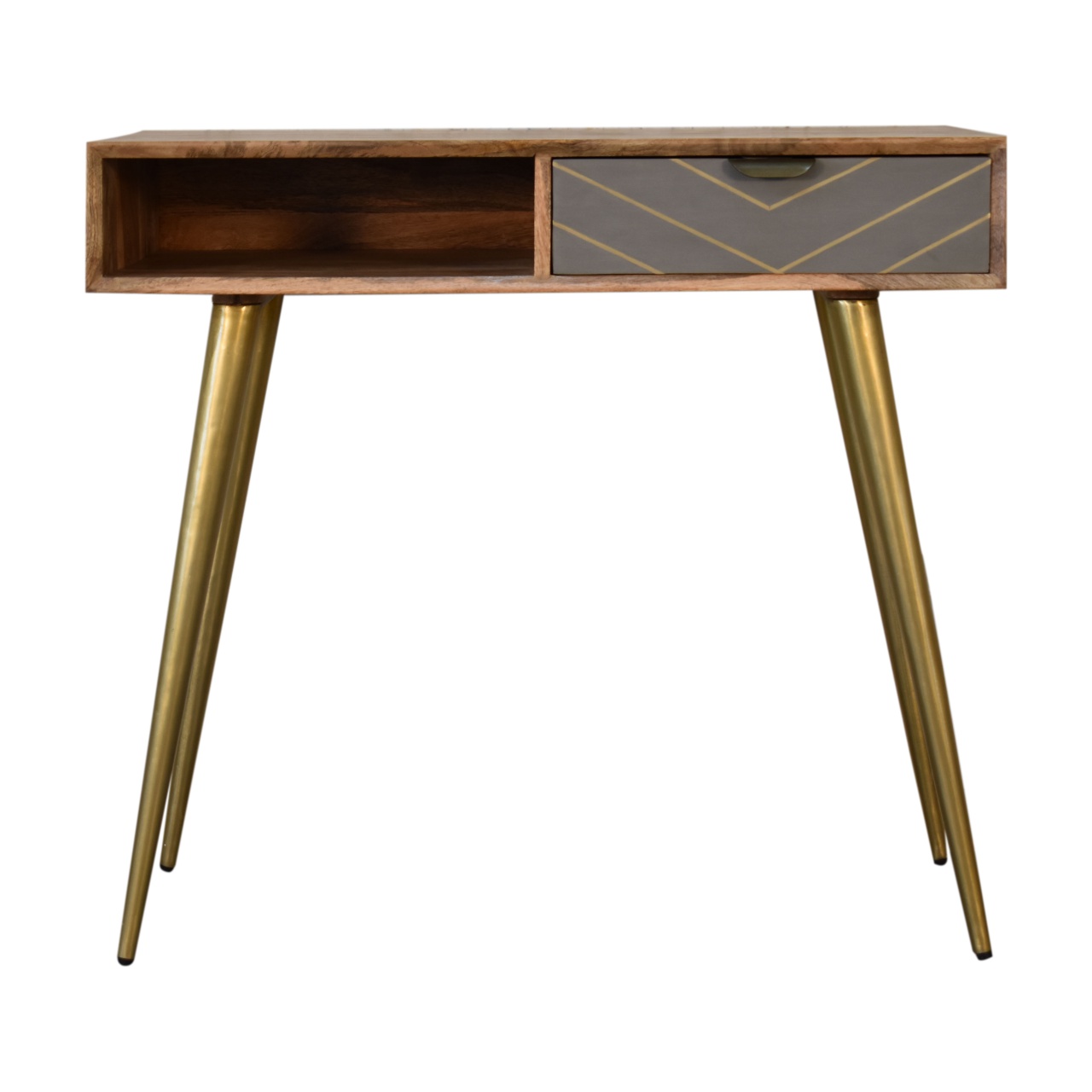
Cement Brass Cable Writing Desk
- Width
- 34.7″
- Depth
- 17.7″
- Height
- 31.5″
To view our trade prices online
Trial our custom options to resize & change finish or upholstery

Cement Brass Writing Desk
- Width
- 34.7″
- Depth
- 17.7″
- Height
- 31.1″
To view our trade prices online
Trial our custom options to resize & change finish or upholstery
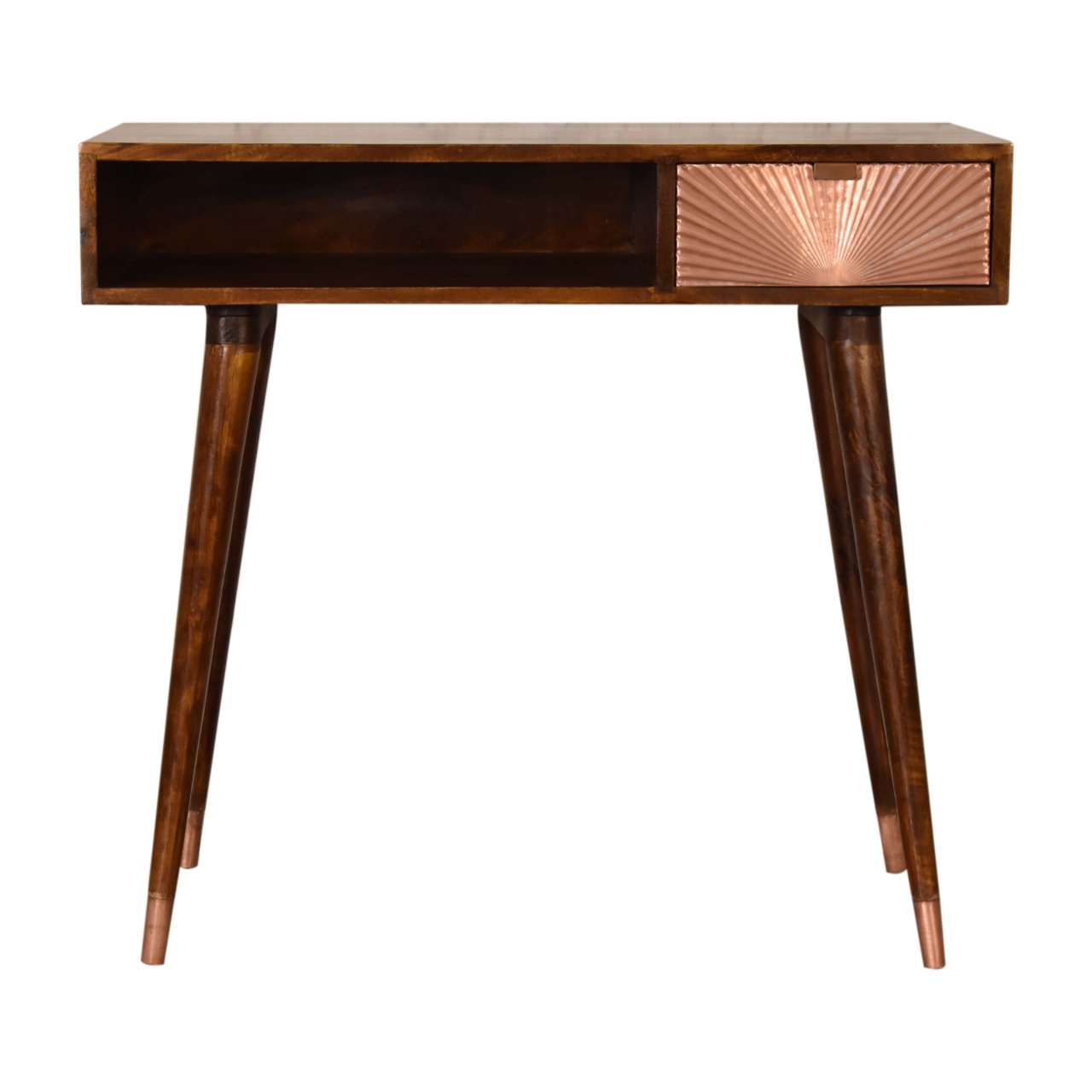
Manila Rose Gold Writing Desk
- Width
- 34.7″
- Depth
- 17.7″
- Height
- 31.5″
To view our trade prices online
Trial our custom options to resize & change finish or upholstery
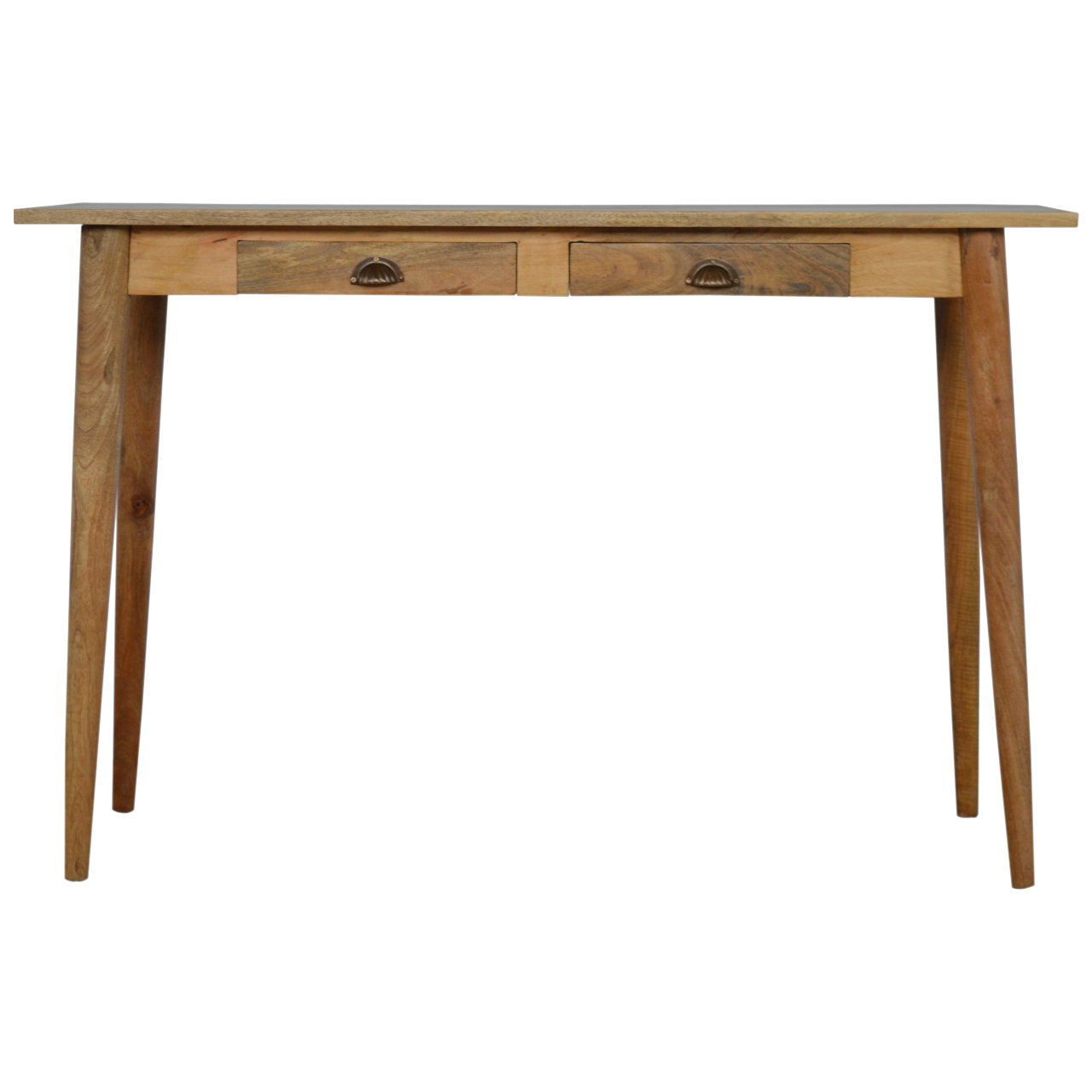
2 Drawer Nordic Writing Desk
- Width
- 47.2″
- Depth
- 17.7″
- Height
- 30.7″
To view our trade prices online
Trial our custom options to resize & change finish or upholstery
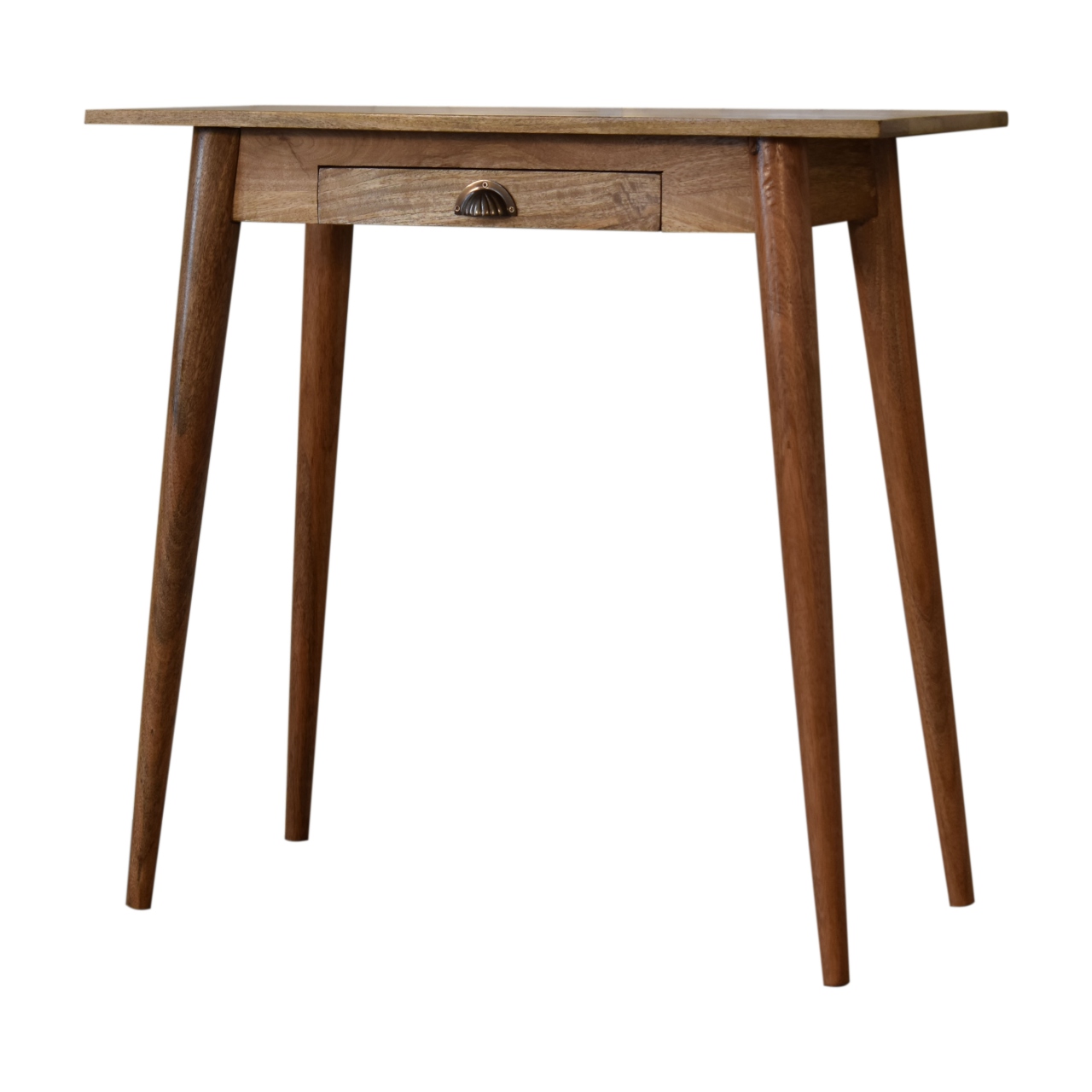
Mini Nordic Style Writing Desk
- Width
- 31.5″
- Depth
- 13.8″
- Height
- 30.3″
To view our trade prices online
Trial our custom options to resize & change finish or upholstery
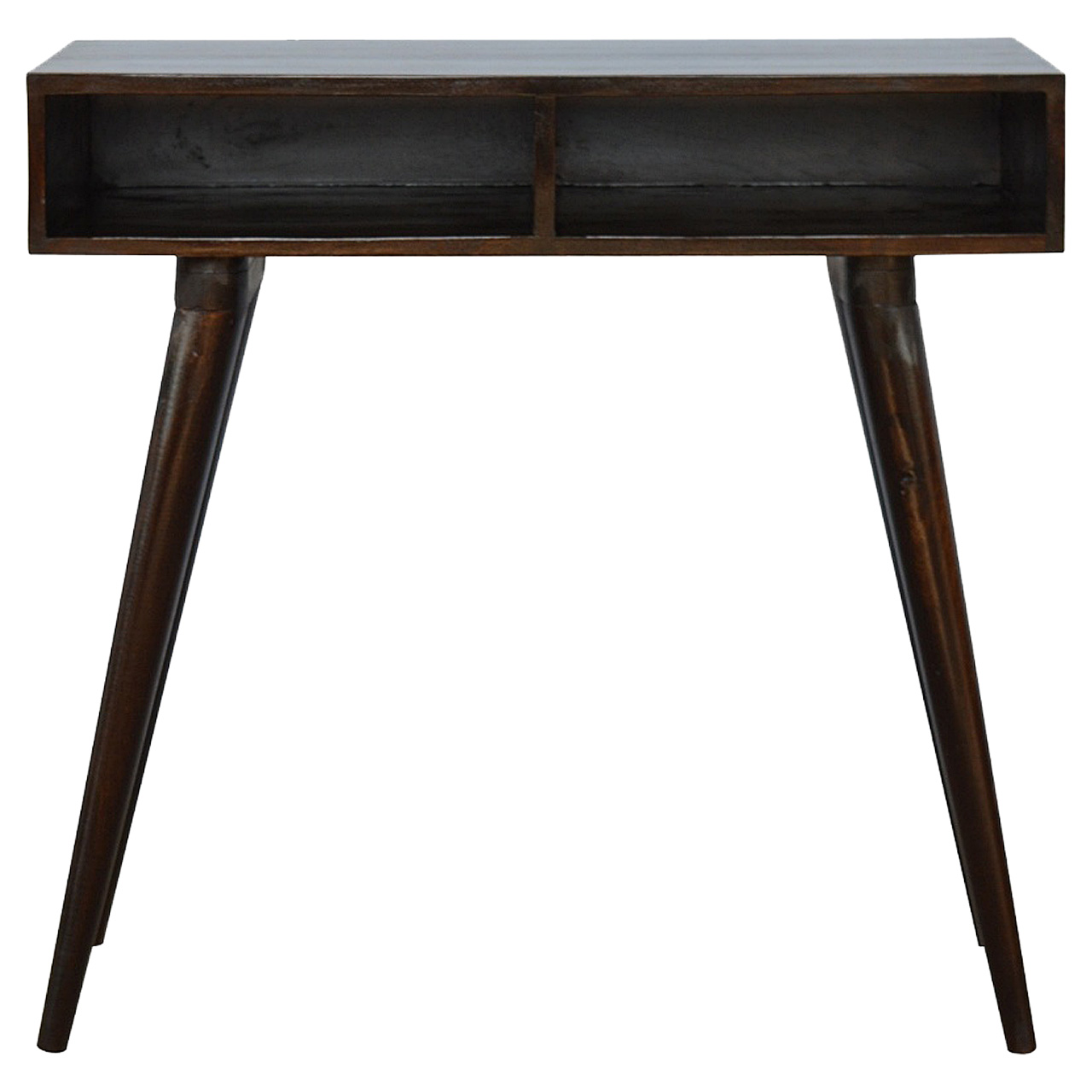
Walnut Open Writing Desk
- Width
- 31.5″
- Depth
- 15.8″
- Height
- 30.7″
To view our trade prices online
Trial our custom options to resize & change finish or upholstery
Trade Consultation
Planning a Hospitality or Commercial Project?
If your project needs solid wood specification support, custom dimensions, or finish samples, request a consultation with our trade team.