

Key Takeaway
troubleshooting common workspace accessory issues ensures your workspace remains efficient and functional.
Troubleshooting Common Workspace Accessory Issues
Addressing common workspace accessory issues is essential for maintaining an efficient and productive environment. Many office accessories, such as desk organizers, ergonomic tools, and lighting fixtures, can experience performance problems that hinder their functionality. By understanding the typical challenges associated with these items and implementing effective troubleshooting techniques, you can enhance your workspace's overall efficiency.
Identifying Common Workspace Accessory Issues
Workspace accessories often face a variety of issues that can impact their usability. For instance, desk organizers may become cluttered or damaged over time, leading to decreased productivity due to disorganization. A study by the National Association of Professional Organizers found that 80% of people feel more productive in an organized workspace. Similarly, ergonomic tools like chairs or keyboard trays may not function correctly if they are not adjusted properly or if components wear out.
Another frequent challenge involves lighting fixtures. Poorly functioning lights can lead to eye strain and reduced focus. According to the American Optometric Association, improper lighting contributes significantly to visual discomfort in workspaces. Recognizing these common issues is the first step toward effective troubleshooting.
Troubleshooting Office Equipment
When addressing office equipment like printers or computers alongside your accessories, it’s crucial to follow systematic troubleshooting steps. Begin by checking power connections and ensuring devices are plugged in correctly; this simple check resolves approximately 30% of reported equipment failures. If a device fails to operate after confirming power connectivity, consult user manuals for specific error codes or indicators that could guide further diagnostics.
For example, if a printer displays a paper jam message but no obstruction is visible, consider opening all compartments according to manufacturer guidelines. Often, small bits of paper remain lodged within mechanisms unnoticed at first glance. Regular maintenance checks on equipment will also prolong its lifespan; studies suggest routine servicing can extend the life expectancy of office machines by up to 50%.
Tools Needed for Repairs
To effectively troubleshoot workspace accessories and office equipment issues, having the right tools on hand is critical. Basic repair kits typically include screwdrivers (both flathead and Phillips), pliers for gripping small parts securely during repairs, and tweezers for removing debris from tight spaces within devices.
Additionally, specialized tools may be beneficial depending on the type of accessory being repaired—such as Allen wrenches for adjusting furniture components or cleaning supplies designed specifically for electronic devices. Investing in quality tools ensures you have what you need when problems arise without delay.
Maintaining Workspace Accessories
Regular maintenance plays a vital role in preventing accessory-related issues before they escalate into significant problems. Implementing scheduled inspections allows users to identify wear-and-tear signs early on—this proactive approach saves both time and money over time by avoiding extensive repairs or replacements later down the line.
For instance:
- Desk Accessories: Clean regularly using appropriate materials (e.g., microfiber cloths) suitable for various surfaces.
- Office Chairs: Inspect casters monthly; replace any broken wheels immediately.
- Lighting Fixtures: Check bulb functionality every six months; replace burnt-out bulbs promptly.
By adhering strictly to maintenance schedules tailored specifically towards each item’s requirements based upon usage frequency levels observed throughout daily operations within your organization’s unique context enhances longevity while optimizing performance metrics across all categories involved.
Relevant Trade Services
Frequently Asked Questions
Related Guides in Workspace Accessories
Relevant Trade Products

Chestnut Tray Nesting Stools
- Width
- 17.7″
- Depth
- 17.7″
- Height
- 18.1″
To view our trade prices online
Trial our custom options to resize & change finish or upholstery
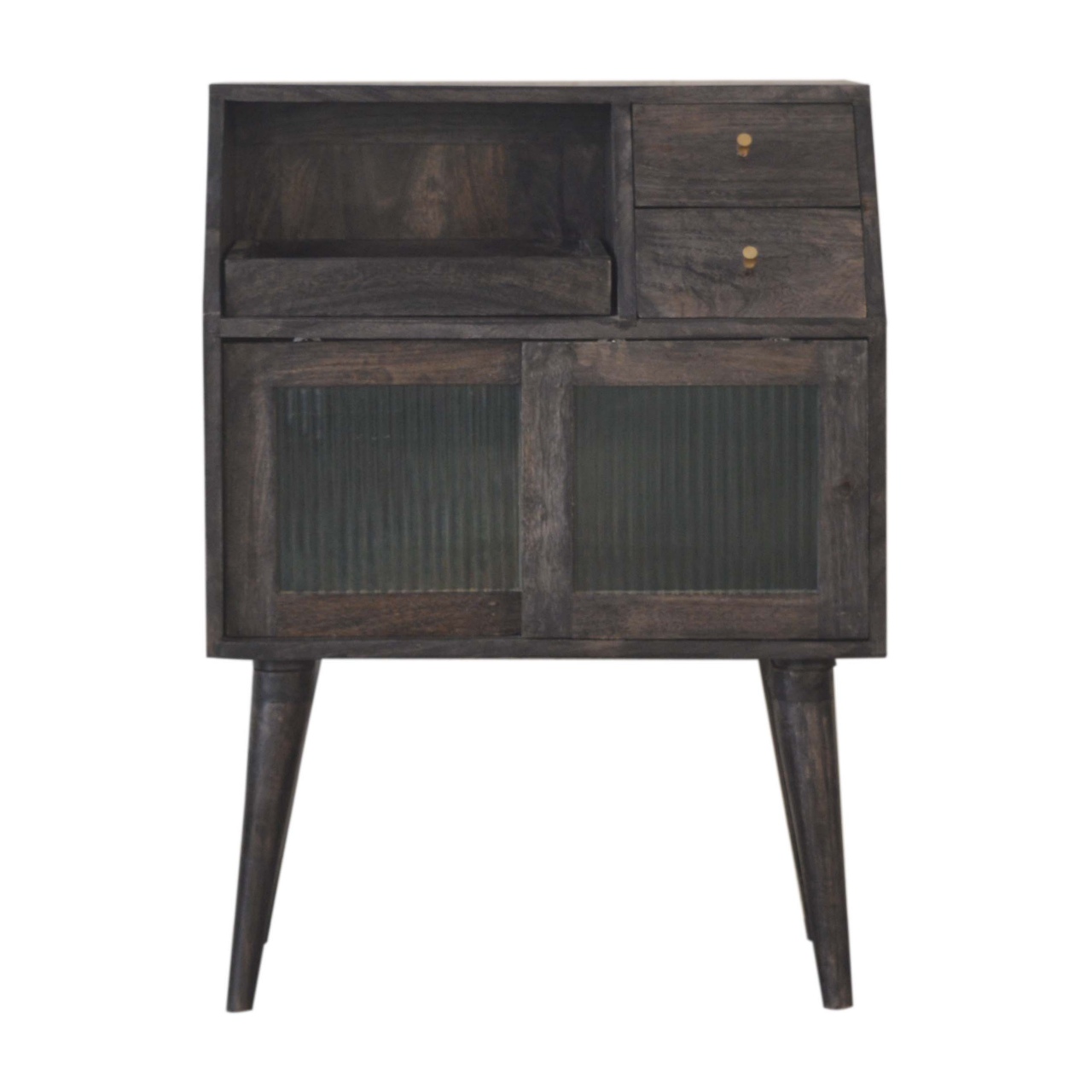
Havana Mini Cabinet
- Width
- 23.6″
- Depth
- 13.8″
- Height
- 31.5″
To view our trade prices online
Trial our custom options to resize & change finish or upholstery

Mini Oak-ish Cabinet
- Width
- 23.6″
- Depth
- 11.8″
- Height
- 25.6″
To view our trade prices online
Trial our custom options to resize & change finish or upholstery

Mini Chestnut Cabinet
- Width
- 23.6″
- Depth
- 11.8″
- Height
- 25.6″
To view our trade prices online
Trial our custom options to resize & change finish or upholstery
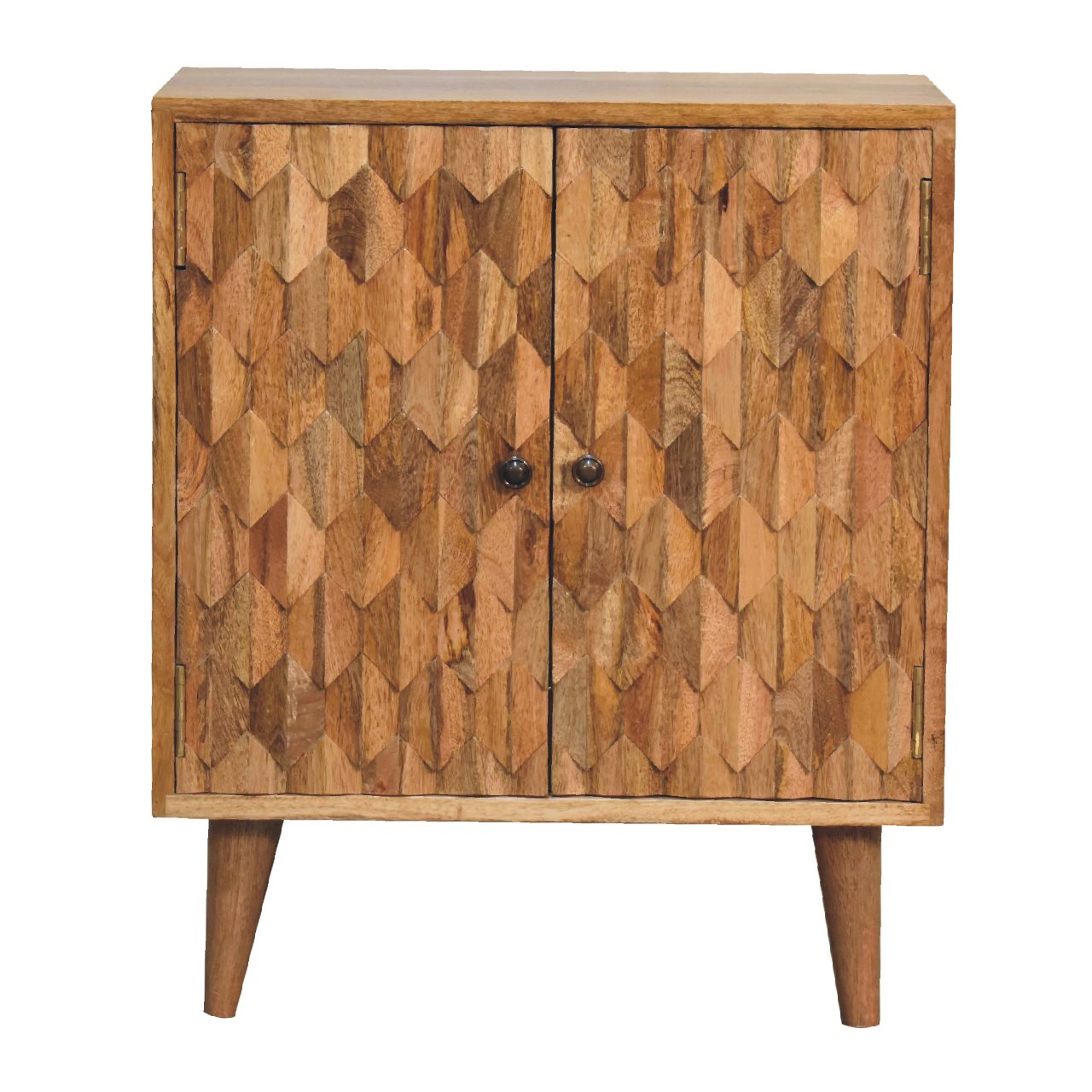
Mini Pineapple Carved Cabinet
- Width
- 21.7″
- Depth
- 11.8″
- Height
- 25.6″
To view our trade prices online
Trial our custom options to resize & change finish or upholstery

Mini Pineapple Carved Stone Finish Cabinet
- Width
- 21.7″
- Depth
- 11.8″
- Height
- 25.6″
To view our trade prices online
Trial our custom options to resize & change finish or upholstery
Trade Consultation
Planning a Hospitality or Commercial Project?
If your project needs solid wood specification support, custom dimensions, or finish samples, request a consultation with our trade team.